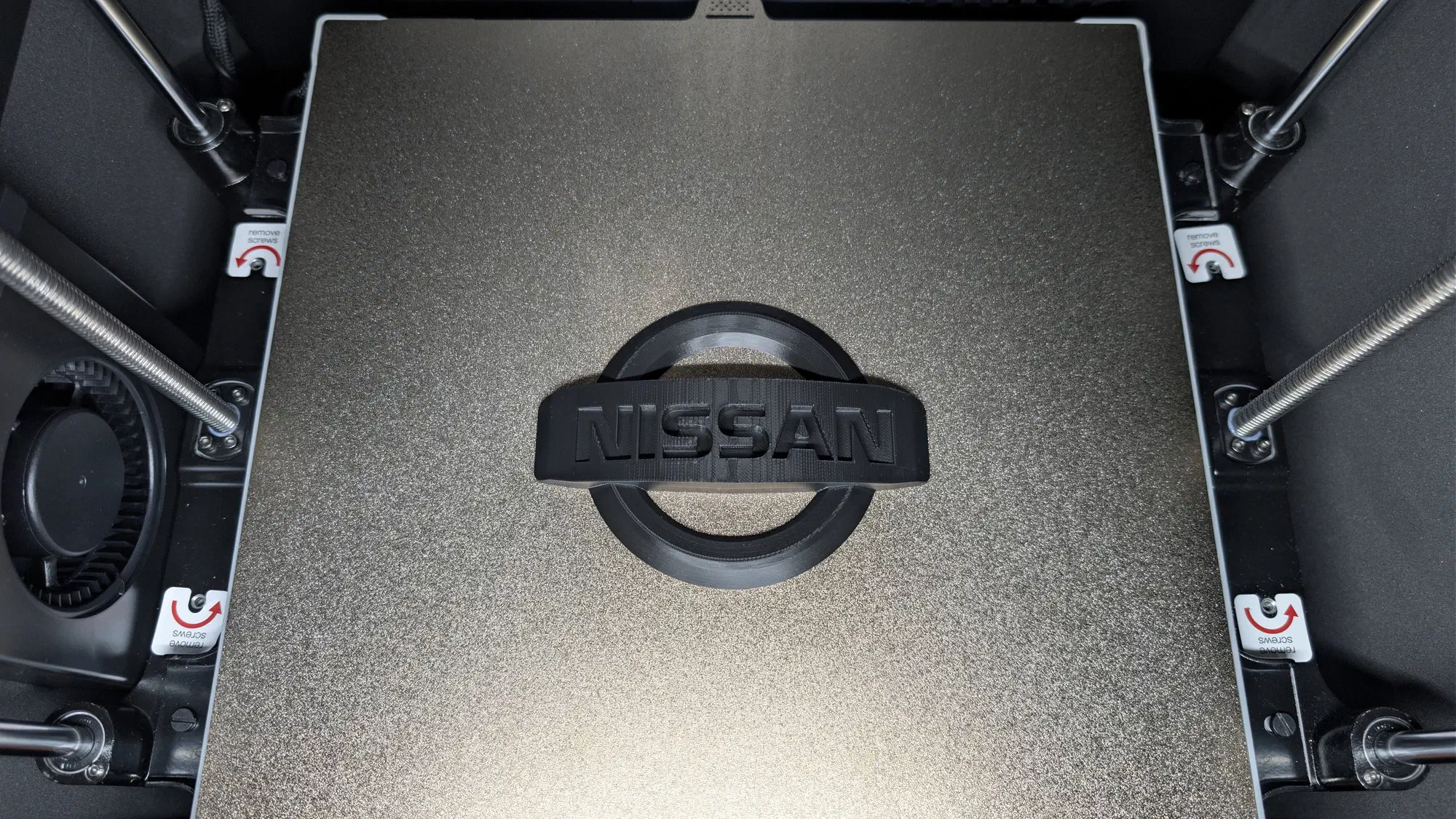
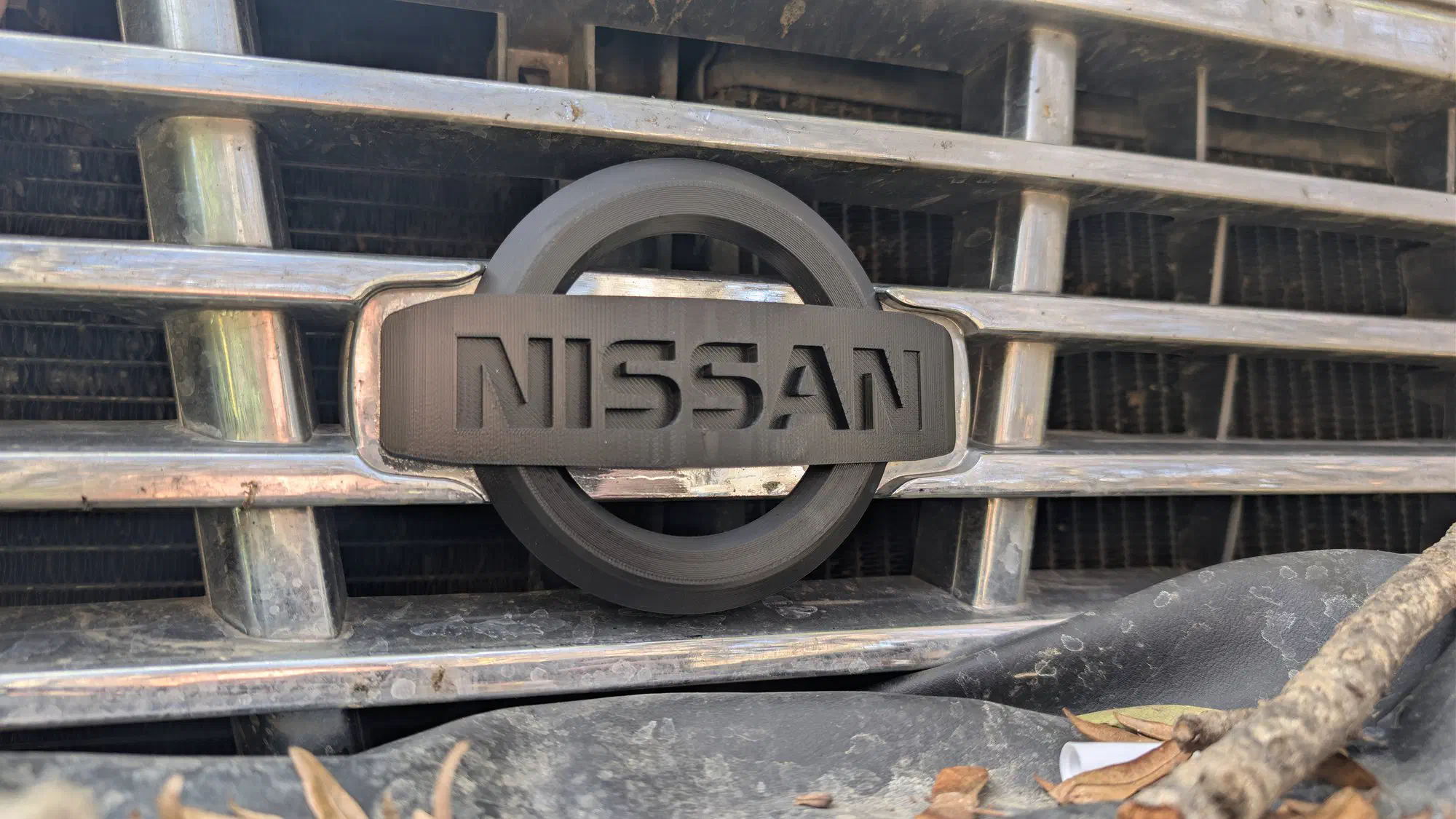
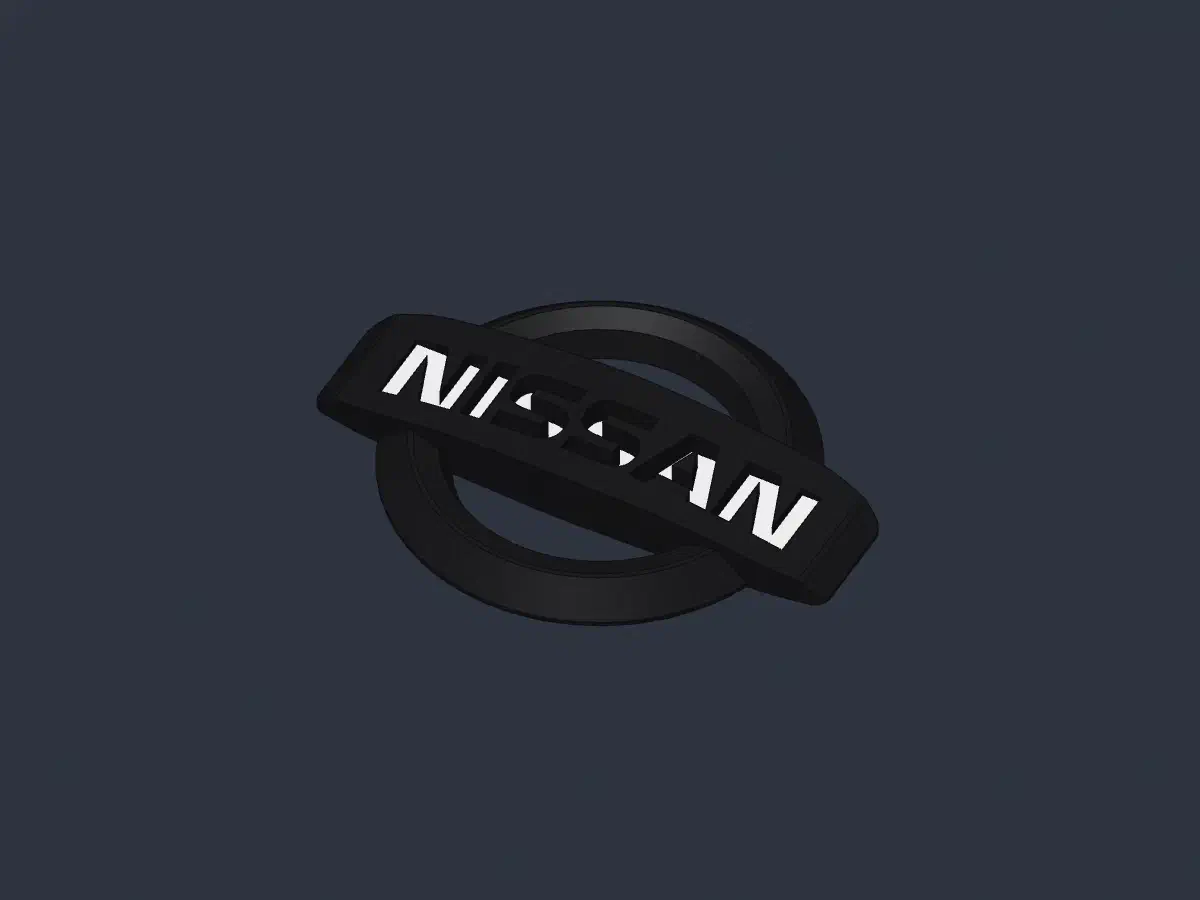
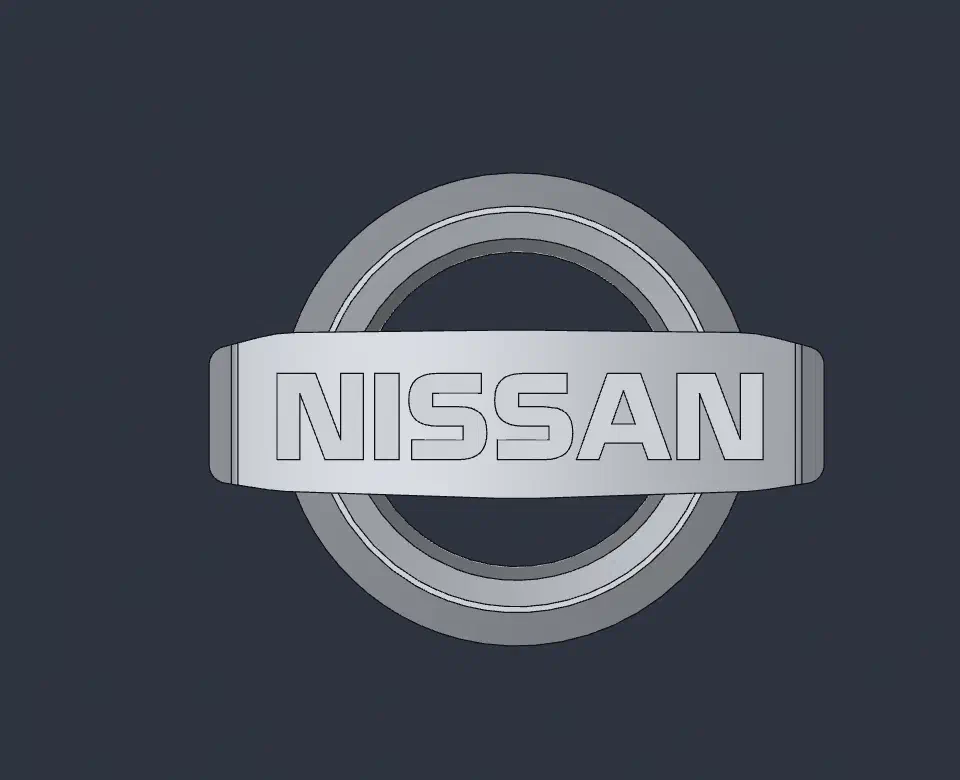
A badge for the Nissan Patrol Y60 radiator grille, mounted with double-sided tape. Modelled from scratch in SolidCraft as a single solid. The reference was the mesh ref/nissan_logo.stl scaled ×1.1 and measured point by point; the ring was then made 6 mm smaller in diameter and the bar 2 mm larger all around.
Geometry#
- Ring Ø103.6 mm, bar 134.6 × 37 mm, overall height 13.83 mm. The bottom is one flat plane.
- Ring (revolved): 1.1 mm outer wall, 45° slope up to an 8.4 mm ridge (r 43.2–44.5), 1:3 inner slope, slanted window wall; window Ø68.8 mm at the base.
- Bar: arched top R≈266 (13.83 mm at the centre). The ends copy the ring’s outer side — 1.1 mm wall and 45° slope, blended into the dome with R3. In plan it narrows towards the ends; corners are rounded (R4 at the ends, R32 and R152 at the bends).
- Lettering NISSAN in the Nissan Opti font (
_fonts/, free for personal use, fan-made), 18.9 mm high, 106.4 mm wide.
Letters for two-colour printing#
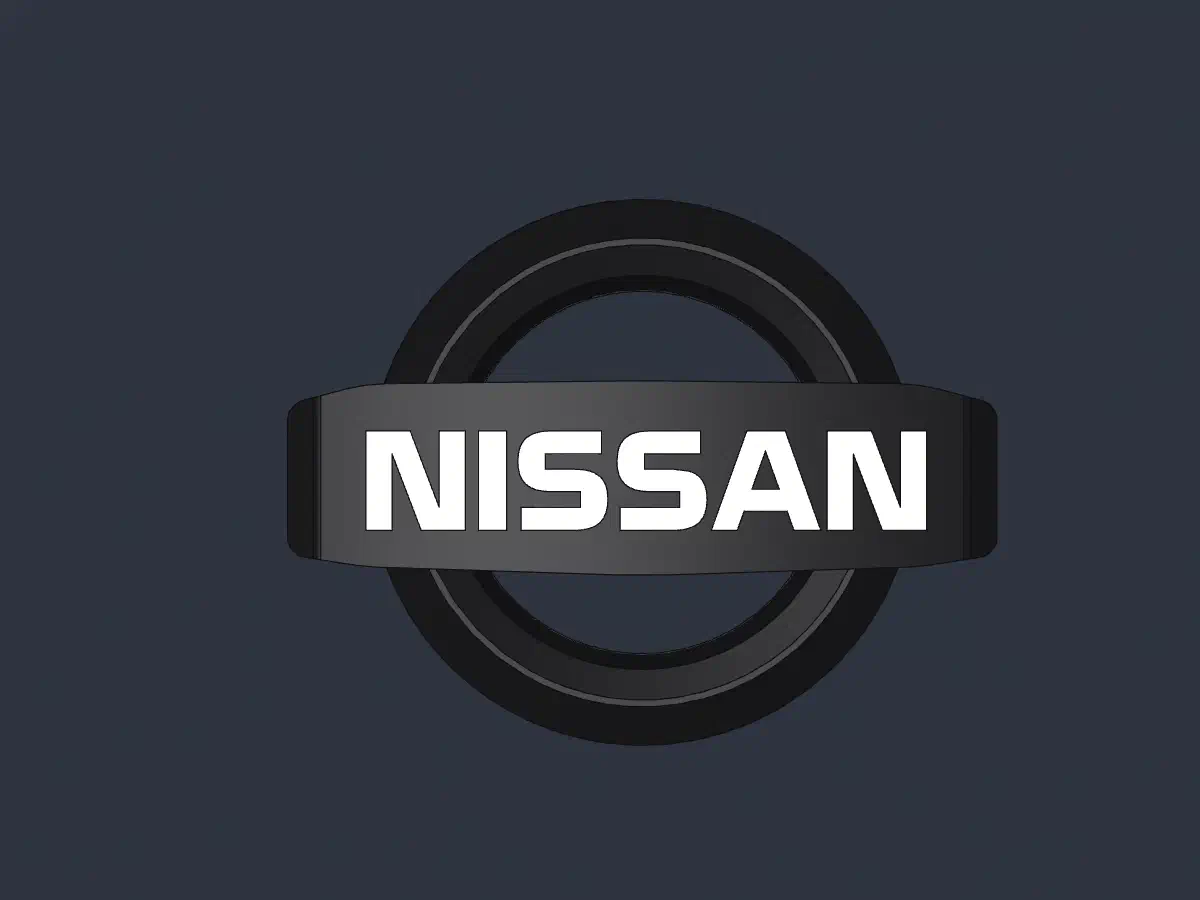
Every letter floor lies on one horizontal plane at letter_floor_z = 7.2 mm (a parameter; keep it a multiple of the layer height). Letter depth is ≈1.1 mm at the outer letters and 6.6 mm at the centre.
Two ways to print it:
- Colour change by layer (recommended, only two filament swaps). Use 0.2 mm layers, first layer 0.2 mm too — otherwise layer boundaries miss 7.2 mm. In OrcaSlicer, Preview, vertical layer slider: add a colour change to the second colour at the layer with Z = 7.0 (layer 35) and back to the base colour at Z = 7.4 (layer 37). Layers 6.8–7.2 mm print in the second colour and every letter floor comes out coloured. With one extruder that is an M600 pause and a manual swap; with a multi-material unit the swap is automatic. Side effect: thin coloured rims on the ring slopes and on the bar-end blends.
- Paint the letter floors with the colour brush in the slicer — no rims, but many filament swaps (one on every coloured layer).
Inside the SolidCraft project#
Features, the body and the parameters have English names, parameters carry comments, and the part description is stored in the design properties (it also goes into the 3MF metadata).
Known limitations#
- The long top edges of the bar stay sharp: SolidCraft 0.30.1 only blends straight edges, and these follow the dome’s arc.
Files#
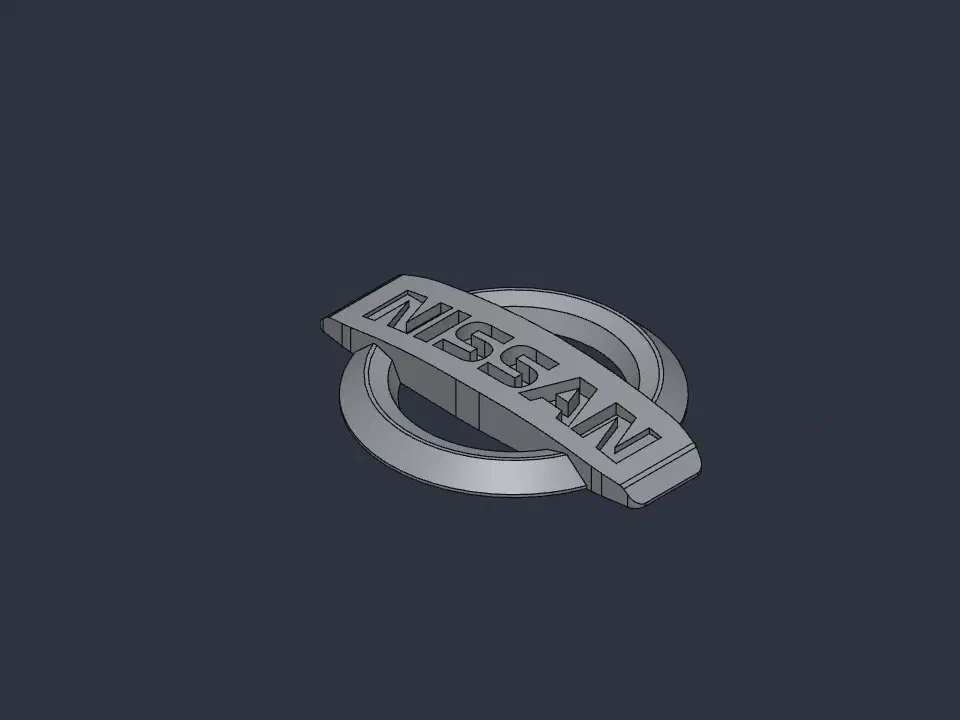
nissan-patrol-y60-grille-badge_3D_model.solidcraft— SolidCraft projectnissan-patrol-y60-grille-badge_3D_model.step— solid modelnissan-patrol-y60-grille-badge_3D_model.stl— for printingnissan-patrol-y60-grille-badge_3D_model.3mf— for printing, with colours (black body, white letter floors) and the part descriptionnissan-patrol-y60-grille-badge_iso.png,nissan-patrol-y60-grille-badge_top.png— viewsnissan-patrol-y60-grille-badge_render-bw.png,nissan-patrol-y60-grille-badge_render-bw-top.png— render in print colours: black body, white letter floorsref/nissan_logo.stl— reference mesh
License#
CC BY 4.0 — do whatever you like with it (copy, change, sell), just credit the original author: Eugene Vereshchagin (github.com/eugene-vereshchagin). See LICENSE.md.
Not covered: the NISSAN name and logo are trademarks of Nissan — the license covers the modelled shape, not the trademark; the lettering uses Nissan Opti (fan-made font, personal use only). The reference mesh ref/nissan_logo.stl is by an unknown author and is not covered either.
Renders
Printing
| Layer height | 0.2 mm |
|---|
| Made with | SolidCraft |
|---|---|
| License | CC-BY-4.0 |